Overview
For the Netscaler Connector, we interact with the web interface to identify and select the desired resource from the supplied URL. That will result in an ICA file, which we then pass to Citrix\ICA Client\wfcrun32.exe to initiate the actual remote session.
The Citrix Netscaler connector exclusively supports nFactor authentication and is currently compatible only with forms-based authentication factors, such as LDAP. For configuring nFactor and understanding the requirements, refer to the following links:
Configuring the Citrix Netscaler 12.1 and 13.0 Connector
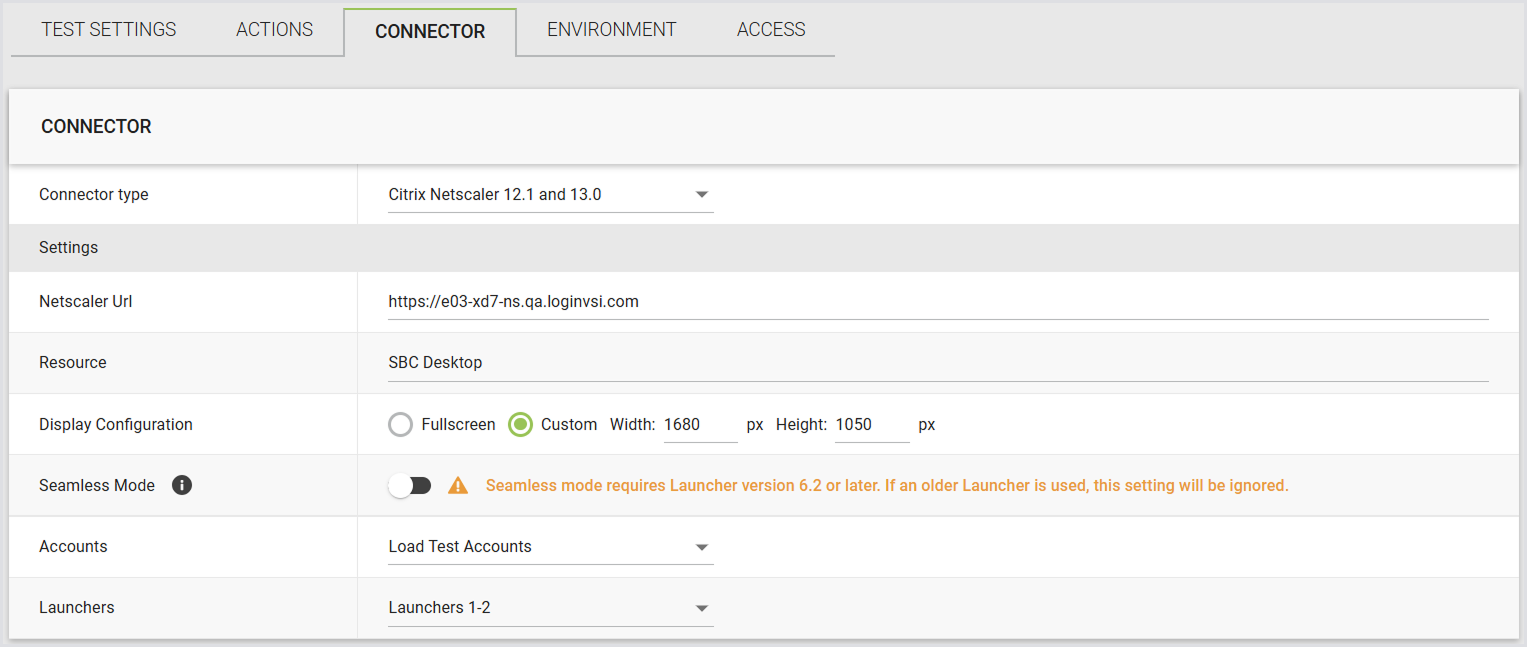
In Login Enterprise, the Citrix Netscaler connector supports the following parameters:
|
Field |
Description |
|
Netscaler URL |
The Netscaler URL. |
|
Resource |
The resource name visible to end users when they log in to StoreFront. |
|
Display Configuration |
Full-screen display or custom resolution settings. |
|
Seamless Mode |
When enabled, Citrix published apps open as seamless windows instead of in a remote desktop window. For details, see Seamless Mode for Citrix Published Apps. |
|
Accounts |
Select previously configured Account Groups or all Accounts. |
|
Launchers |
Choose from previously configured Launcher Groups or all Launchers. |