
Introduction
This section of the Troubleshooting page provides an overview of currently active sessions and allows you to abort them.
Accessing Active Sessions
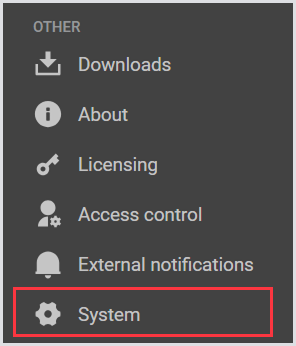
To access the Active sessions, in the Login Enterprise sidebar menu, navigate to Other > System.
In System, select Active sessions from the tab bar menu, and wait for the page to load.
The following data is displayed:
-
Test Name
-
Launcher
-
Account Name
-
Login State
-
Session State
-
Date Created
-
Date Updated
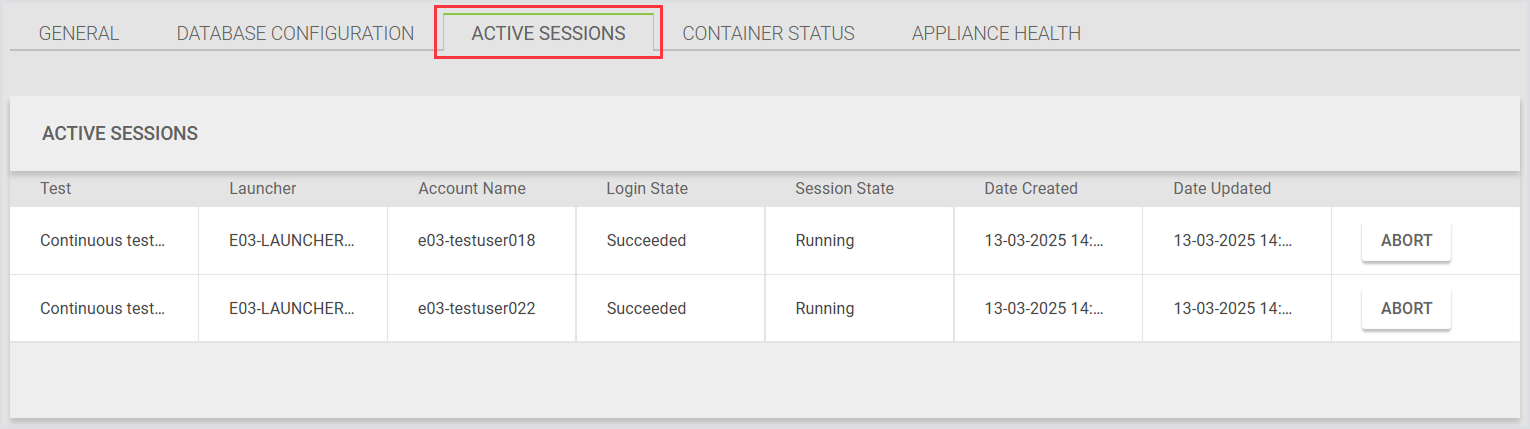
When you click Abort, the selected session will be terminated within one minute.