
Overview
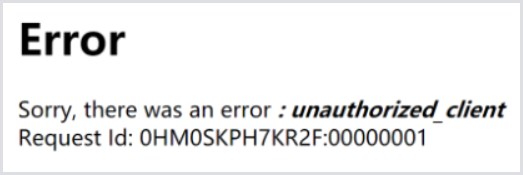
The following error may appear when accessing the Login Enterprise web interface.
"Sorry, there was an error: unauthorized_client"
Solution
To resolve this issue, add the Appliance URL to the allowed URLs list. For this:
-
Console or SSH into the Appliance.
-
From the Maintenance Menu, select Systems > Change allowed URLs. Each URL should be separated by a semicolon ";".
For more detailed steps, see how to change allowed URLs using the Maintenance Menu.