Overview
As of 1.1.2.3, there are two wizards available within Hydra for streamlined rollouts of new images. First, it is important to understand the difference between replace and recreate.
-
Replace will first roll out a brand new session host. Once that host is available and Hydra confirms it is healthy, it will go back and delete the original host targeted for replacement. This option is the safest because there is a check to ensure the new host is available prior to deleting the old one.
-
Recreate will immediately delete and recreate the selected host(s) with the same name. This may be desirable in some environments where creating hosts with new names is limited. It is also handy for quickly pre-staging some hosts with a new image for production pilot purposes, such as OS updates.
There are two wizards available in Hydra for replacing and recreating:
-
Replace/recreate selected hosts, where you can use the Select checkboxes on the hosts to quickly replace or recreate the selected hosts in the Details page for the host pool.
-
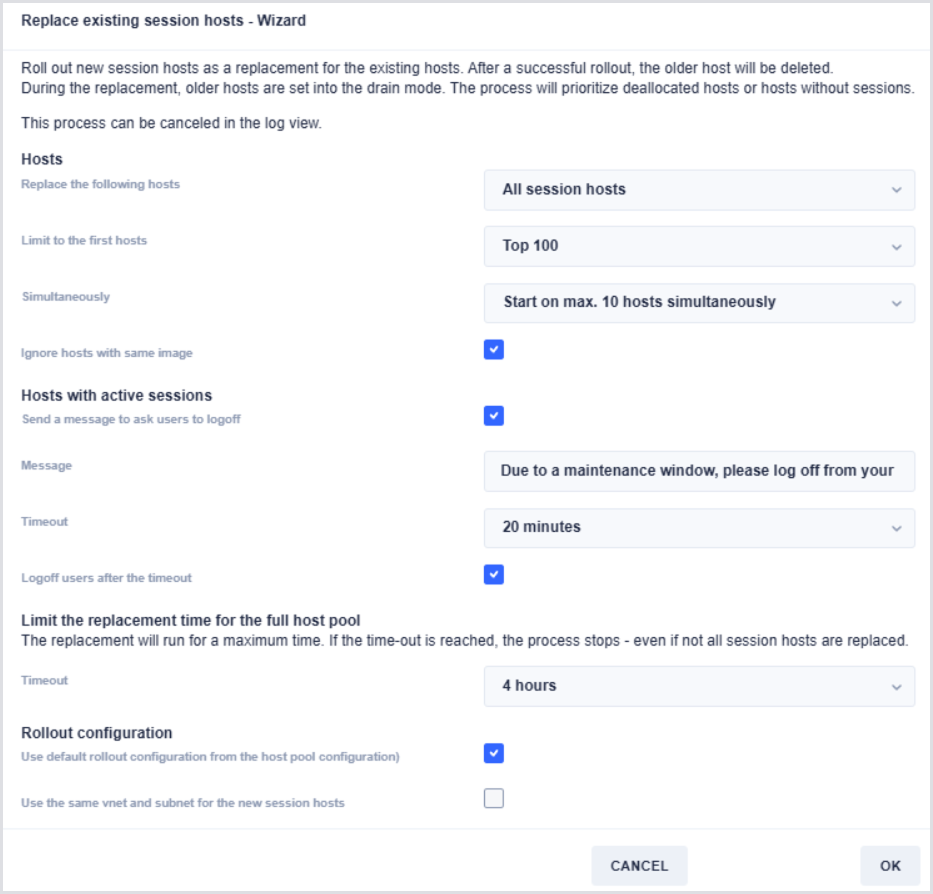
Replace session hosts wizard, where you can roll out brand new hosts to replace the original ones. This can also handle automated messaging to users for the cleanup of the old hosts.
Replace/Recreate Selected Hosts
This feature is only available starting in 1.1.2.3.
-
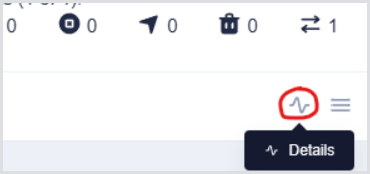
To begin this wizard, first choose the Details page of the host pool you are targeting.
-
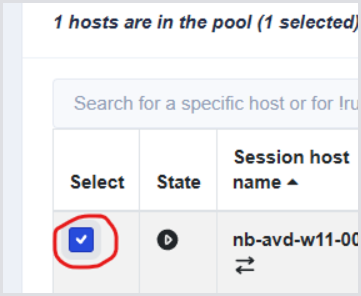
Select the hosts you wish to target for replacement or recreation:
-
Select the far-right collapsed/hamburger menu button, and then select the Replace/recreate selected hosts option:

-
Choose the various options below. Note that users will not be notified using this method, so ensure proper warning has been given or that the targeted hosts are already drained.
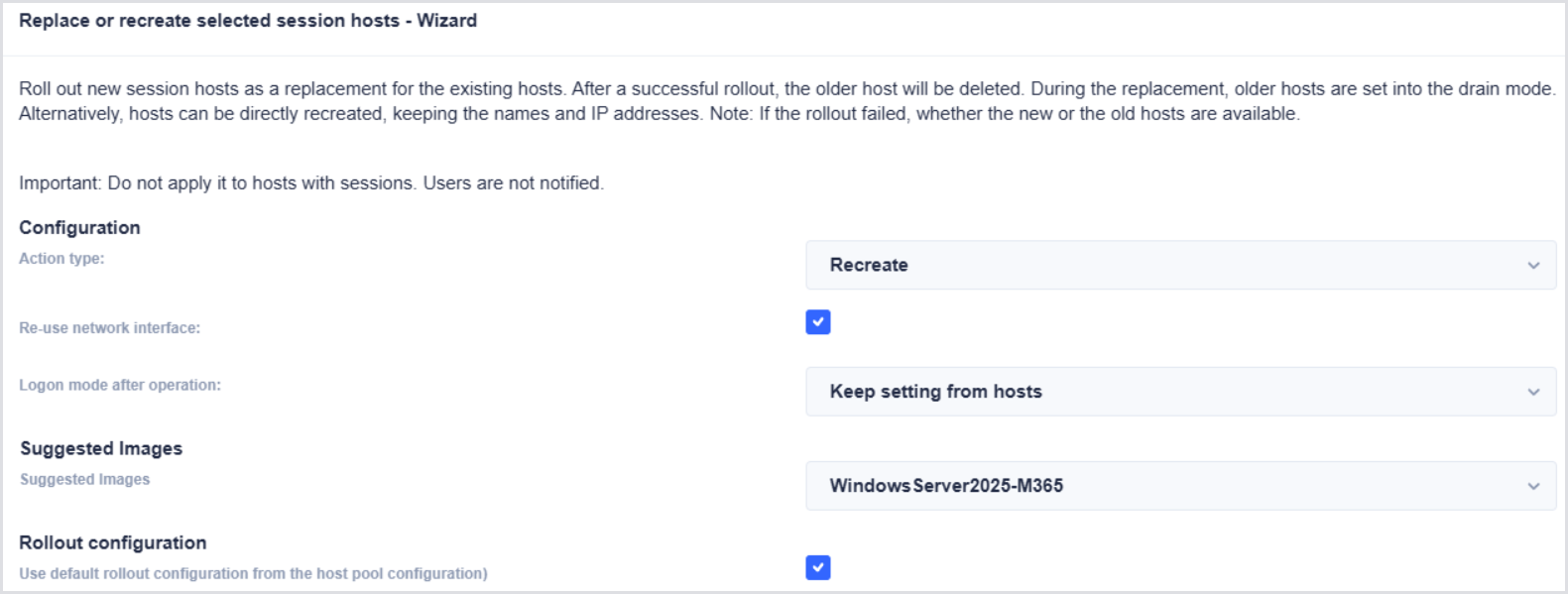
The Suggested Images section will automatically show any other versions of the image that are in use by this pool, helping streamline the rollout process.
Notice that both Recreate and Replace are available with this method:

Replacing Session Hosts Wizard
This option can be used to massively roll out new images and notify users. Only recreate is available with this method, meaning new session hosts are rolled out first, and then the old hosts are deleted after the new ones are healthy and available. Users can also be notified, and the action can even be ignored on some hosts if the new image is already partially rolled out. This can be useful if previous hosts were already staged using the Replace/recreate selected hosts wizard, preventing unnecessary forced logoffs.
-
To begin this wizard, first choose the Details page of the host pool you are targeting.
-
Choose Replace Session Hosts Wizard:

-
Select from the various options, noting the ability to target specific hosts, such as only those without sessions or ones in drain mode, the ability to stagger the rollout, ignore hosts on the same image, and send messages to users prior to forcing logoffs: