
The Hydra agent enables administrators to view device resource and latency information.
To install the Hydra agent:
-
Go to the Tenant Configuration page.
-
Click Hydra Agent for installation details and download.
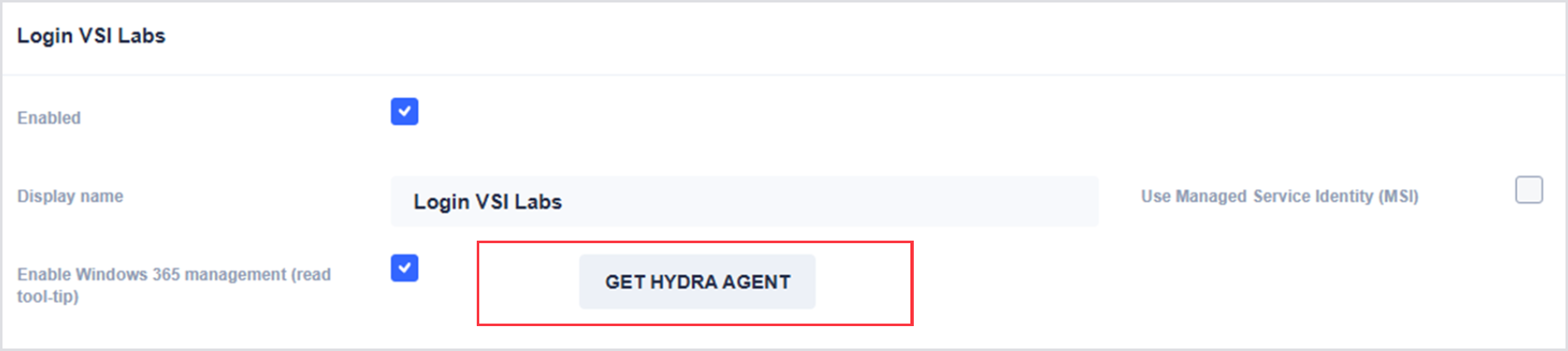
Once the Hydra agent is downloaded, follow the instructions to install the agent as a scheduled task by running the following command in a command shell with administrative permissions. Note that for the Windows 365 Hydra Agent support, there are 2 secrets required (i.e., -s and -t)
.png?cb=e5310f6e78b1d1340ef53d40fe7c6c52)