Disclaimer
This workload is provided as-is and might need further configuration and customization to work successfully in each unique environment. For further Professional Services-based customization, please consult with the Login VSI Support and Services team. Refer to the Application Script Recording for further self-help information regarding workload crafting and implementation.
For more information, refer to the top of the .cs file under Additional Resources.
Overview
-
Please read each of the commented-out portions of this script to see what it does and if there are lines that should be commented out or changed (variables, for example)
-
Environment: Login Enterprise ScriptingToolset v4.2.14 | Winver 2004 OS Build 19041.508 Windows 10 Professional x64 | LibreOffice 7.0.1.2 x64
This workload will perform the following interactions:
-
Open, verify it has opened, and close the following LibreOffice apps:
-
Application landing page
-
Math Formula
-
-
Open, open a document, verify has opened, navigate around inside the loaded document, and close the following LibreOffice apps:
-
Writer Document
-
Impress Presentation
-
Draw Drawing
-
Calc Spreadsheet
-
Demonstration Video
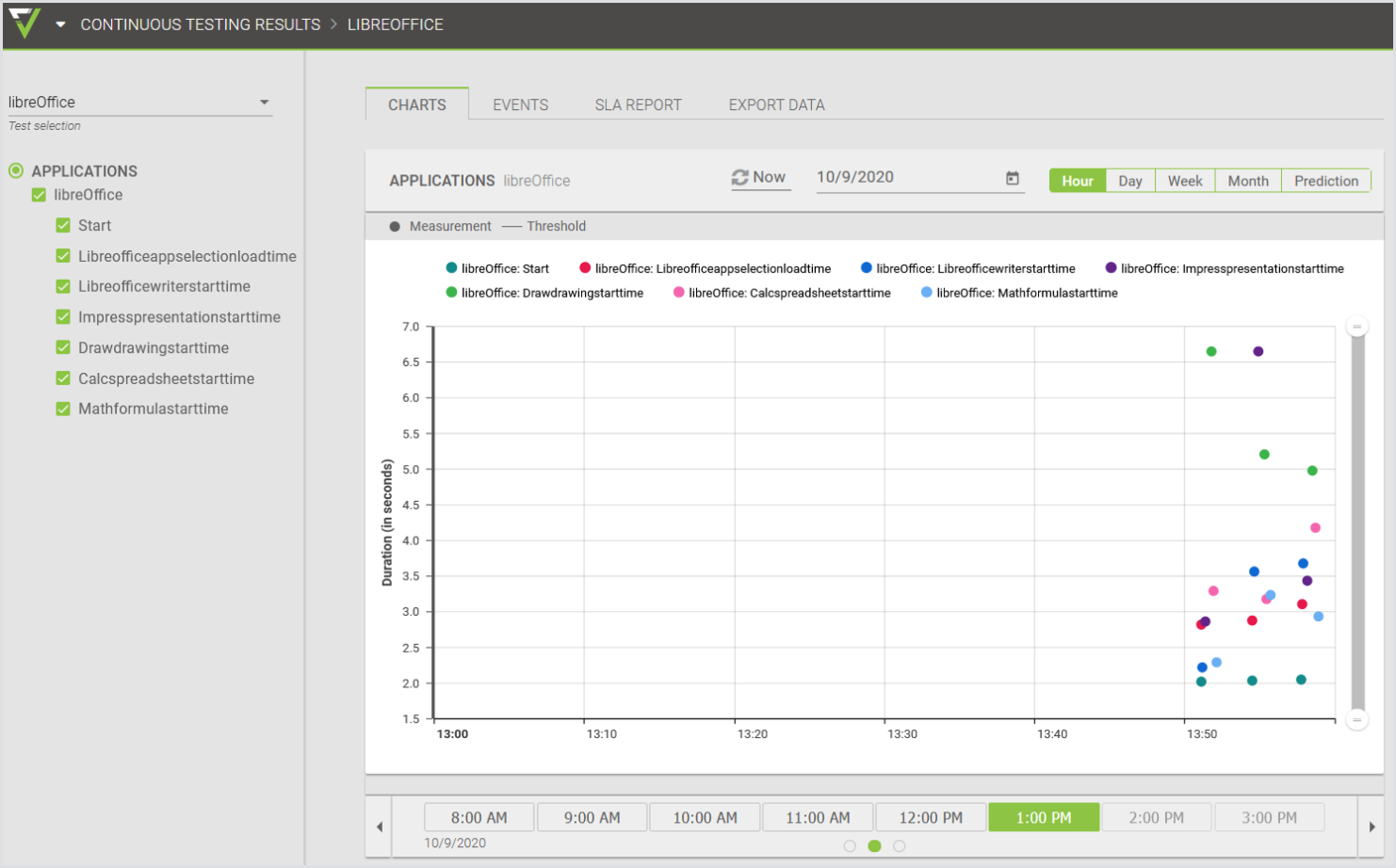
Results example in the Login Enterprise UI: