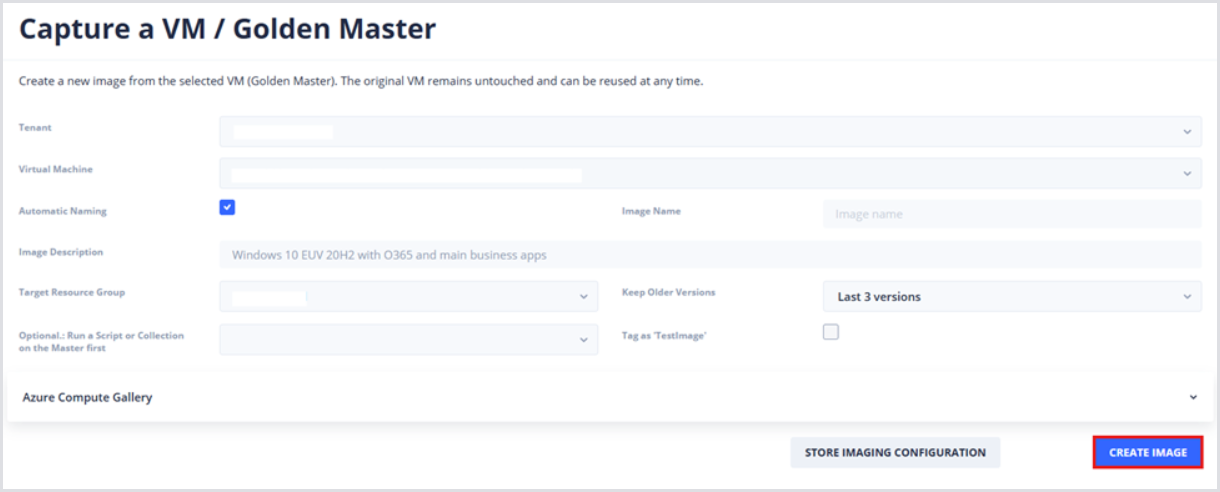
After creating the Image, its configuration can be stored in the Hydra database by clicking the Store Imaging Configuration button. This can simplify future image creation and allow for scheduled image creation.
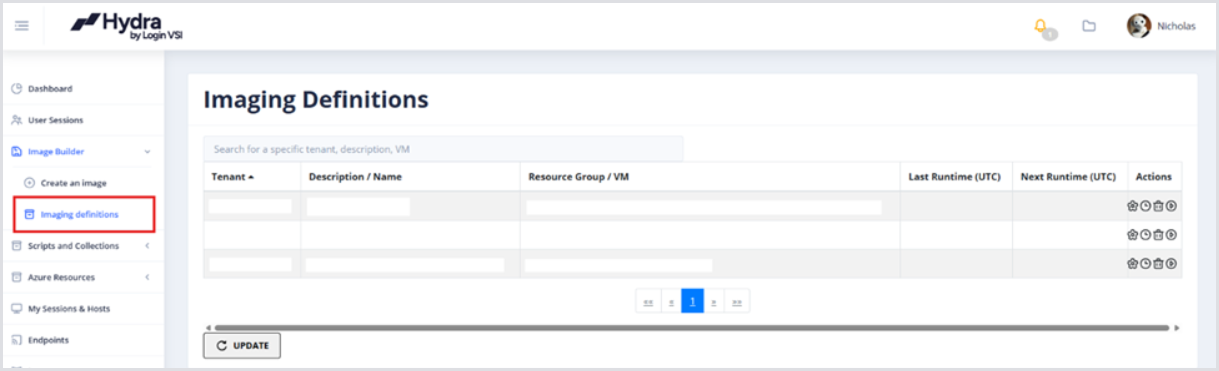
Once the Image Configuration is stored, you can modify, schedule, delete, or start the imaging process from the Imaging Definitions page.
By scheduling and automating the imaging process, you can combine this with powerful Script Collections to fully automate Windows and application updates without ever having to manually intervene.