.png)
Web Application Fails When Using Google Chrome
Overview
We have seen cases where a web application script has been created using Google Chrome, but when running it in the preferred environment, the Chrome application will not start the preferred website. Similar to the image below:
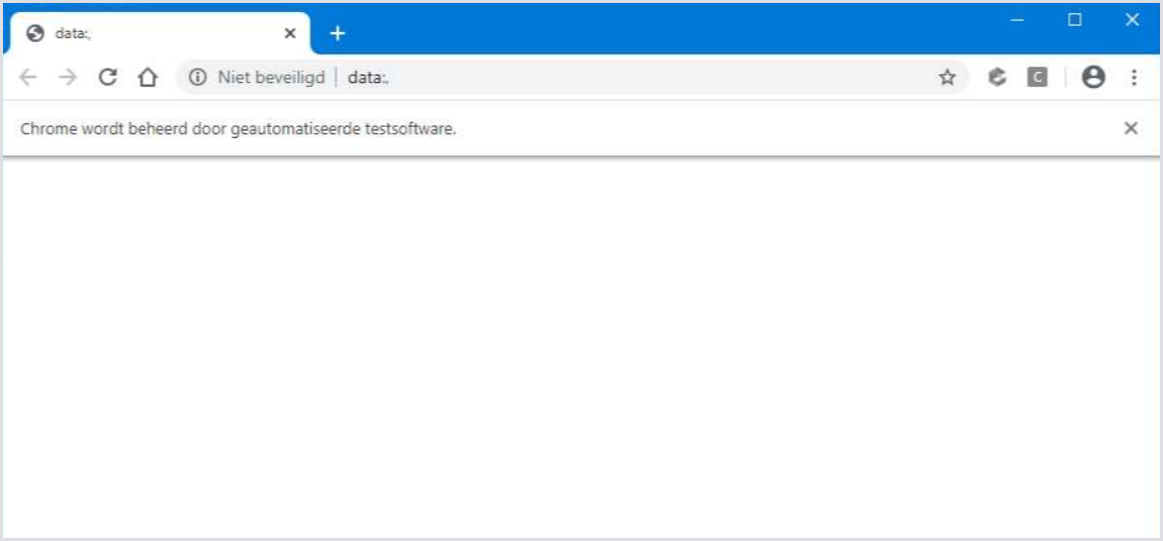
Cause
This issue came from a configuration that was pushed to Chrome via GPOs. The exact configuration was:
--user-data-dir (Configures the directory that Google Chrome will use for storing user data)
This was set, in the case of the example, to a network drive. This is against the best practices of Chrome.
Solution
Changing this setting to the profile of the user/default location "%localappdata\Google\Chrome\User Data\ " fixes the issue.