.png)
VMware Horizon View v2106 Connector Changes
Overview
In version v2106 of VMware View, VMware delivered a new View client. In this new version of the View Client, VMware changed some of its command-line parameters. This will cause the VMware View connector to malfunction.
Affected VMware client versions:
8.3.0-18287501
Solution
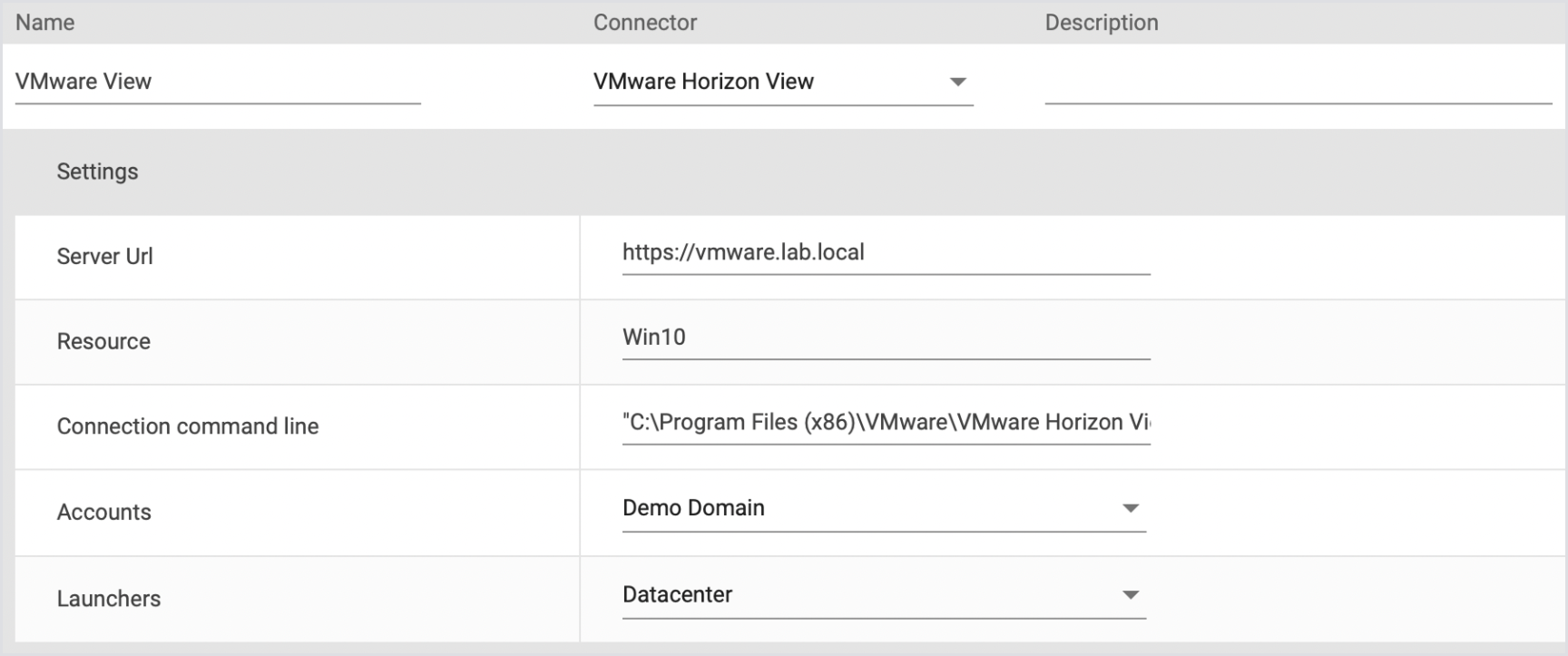
If you are making use of the client version(s) above, you will have to update the command-line parameters in Login Enterprise.
Fixed command line:
CODE
"C:\Program Files (x86)\VMware\VMware Horizon View Client\vmware-view.exe" -serverURL {serverurl} -userName "{username}" -password "{password}" -domainName "{domain}" -desktopName "{resource}" -loginAsCurrentUser False -nonInteractiveTo change the command line, navigate to your environments and replace the Connection Command Line string with the one above. See the screenshot for reference.