.png)
The Fine Print Pop-Up Window in Office 2019
Overview
When using Microsoft Office 2019, you may encounter the pop-up window called The Fine Print.
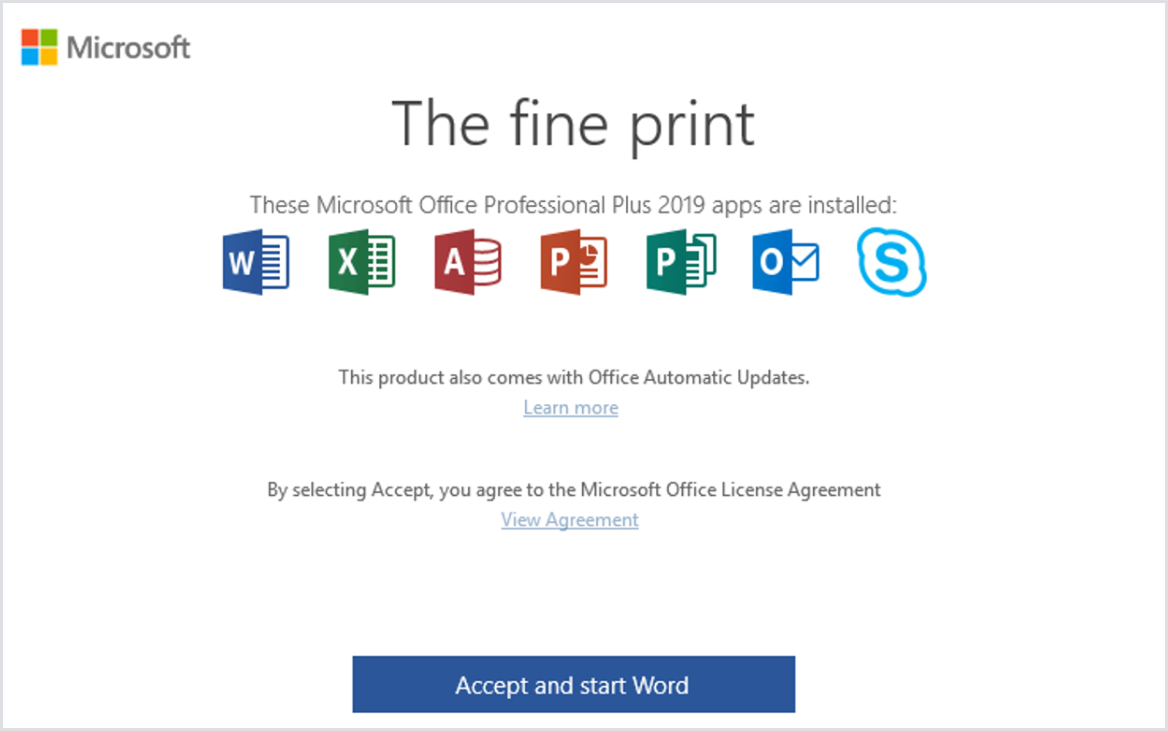
This has been discovered to cause an issue when using Login Enterprise. To keep the window from coming back up in the future, you can follow the steps below to disable the pop-up.
Solution
Open Regedit
Navigate to the path: HKCU:\SOFTWARE\Microsoft\Office\16.0\Common\
Update Key Value Pair:
Key: Licensing
Value: EulasSetAccepted

This will need to be set on a per-user basis.