.png)
Concurrently Running Built-In Windows Apps
Overview
This workload will showcase launching and interacting with multiple applications (built-in Windows applications), whilst keeping all of the applications launched. The workload will switch between the app that is in the "foreground" just as a real user would, but will keep several apps open concurrently, also just as a real user would.
Please read each of the commented-out portions of this script, to see what it does and if there are lines which should be commented out or changed (variables, for example)
Developed with: Scripting Toolset version Login Enterprise 4.4.9 | Built in Windows notepad, mspaint, calc, and wordpad | Winver Windows 10 Pro x64 20H2
This workload will perform the following interactions:
Launch notepad.exe, mspaint.exe, calc.exe, and wordpad.exe; all with custom timer encapsulations
Bring notepad into focus and type to it, bring paint into focus and draw a spiral in it, bring calc into focus and perform a calculation in it, and bring wordpad into focus and type to it
The above steps will be formed again
Lastly, the apps will be closed
Demonstration Video
https://youtu.be/GjTVDiM-WpM?feature=shared
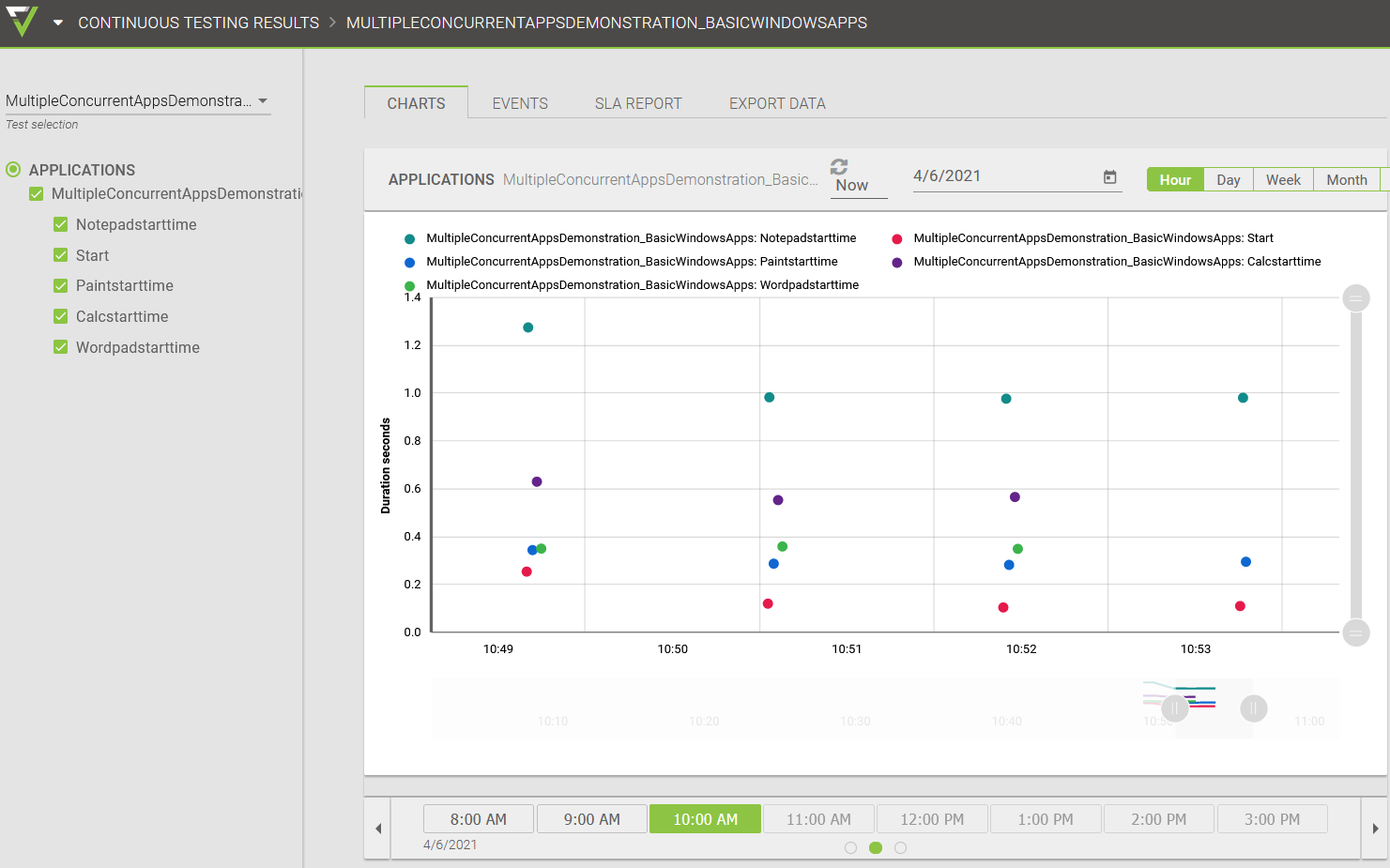
Results in Login Enterprise web GUI:
Disclaimer
This workload is provided as-is and might need further configuration and customization to work successfully in each unique environment. For further Professional Services-based customization please consult with the Login VSI Support and Services team. Please refer to the Application Script Recording for further self-help information regarding workload crafting and implementation.
Please refer to the top of the attached .cs file for more information.